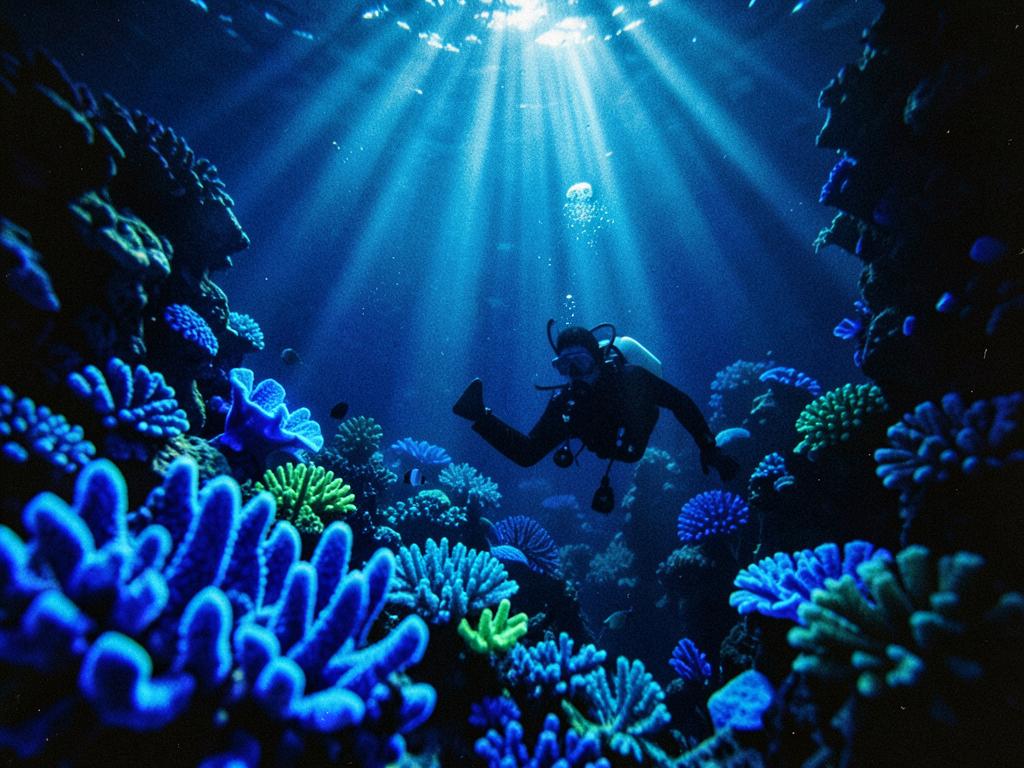
Bioluminescent reef dive
Made with Text to video · Cinematic style
Expivid / AI creative studio
Turn your photo into a cinematic video
First video free · sign-in required · no card needed. Create a free account
Animate your own photo
Upload a JPG, PNG or WebP under 5 MB.
Latest render
Waiting for a promptYour first clip will appear here — it takes a minute or two to render. Check a prompt free first
Your studio



AI video generator
How text to video works, and what to write for a clean render.
AI image to video
Animate a photo you already own, with the motion written for you.
AI video maker
Try the live demo — social-ready clips for TikTok, Reels, Shorts and YouTube.
4K video generator
Render in 4K or Full HD 1080p, and see the credit price before you commit.
15 second videos
Short vertical clips for Reels, TikTok and paid social.
30 second videos
The classic ad length — hook, problem, product, call to action.
Guides & tutorials
Prompt formulas, photo animation and the best formats to post.
Your first video is free
Email or Google. No card, no billing form and no trial countdown — the account simply starts with 0.7 free credits on it.
A 5-second video at Fast 360p uses 0.69 credits, so the free credits cover it outright. Longer or sharper clips cost more.
The creator sits at the top of this page. Choose a style, length and shape, then press Generate.
The clip saves to My Creations. If a render is blocked or fails, its credits come back automatically.
Pick a tool. Video tools use credits; the video maker is free.
Turn a written prompt into a video.
Create from text →Upload a photo and describe the movement.
Animate a photo →Combine clips, photos, text and music.
Open the video maker →Preview hair colours, cuts and styles.
Try a hairstyle →Try new eyes, lips and brows.
Try a new look →Pick a starter prompt — it loads into the creator so you can tweak it and render.
Made with Text to video · Cinematic style
Made with Text to video · Anime style
Expivid is an online AI video creator: a text to video generator, image to video AI and a free video maker in one app — on the web and Android.
An AI video generator from text: type a prompt and get a video clip.
Photo to video and photo animation AI — upload an image and describe the motion.
Make and edit videos in your browser. Combine clips, photos, text and music.
Free starter credits for new accounts, no payment method needed.
Make intros, B-roll and widescreen clips.
Vertical 9:16 clips for TikTok, Reels and Shorts.
Square and vertical videos for Instagram and more.
Product and marketing videos with the Product style.
How Expivid compares with other AI video creators.
New accounts get free starter credits to try a first video — no card required. The video maker is always free.
Text to video, photo animation, the video maker or a try-on studio.
Describe the scene, upload a photo, or drop in your own footage.
Check the credit cost shown beside the button, then create. Failed renders refund automatically.
One box for your idea, one button to render. No editing skills needed.
Google's latest video model, with sound, up to 4K quality.
Five styles, seven camera moves, photo or text, 5 to 30 seconds.
Blocked or failed renders return your credits automatically.
Download MP4s or publish to the community video directory.
Pay once per pack — no subscription.
Read real customer reviews or see live usage stats.
Every video is rendered by a state-of-the-art video model. This is what is doing the work under the hood.
Generates realistic video frames and movement
Each clip is built frame by frame by a transformer-based diffusion model, so motion reads as continuous movement rather than a sequence of stills.
Understands text, images, audio and video
Your written prompt, an uploaded photo and a reference clip are all read by the same model — that is why an animated photo keeps the same subject, and why a continuation picks up where the last second stopped.
Maintains consistent characters and smooth motion
The model keeps track of faces, clothing, props and lighting across time, so a person stays the same person from the first second of a clip to the last.
Produces synchronized sound and video
Rendered clips arrive with matching audio — ambience, movement and speech kept in step with what is on screen.
Improves realism, motion and visual quality
Outputs are ranked against human preference feedback, which pushes the model towards cleaner, more believable shots over time.
One-off payments, no subscription. A 5-second quick video uses 0.69 credits; a 10-second Full HD video uses 6.08.
$4.99
10 credits
Most popular
$19.99
50 credits
$59.99
200 credits
New here? Create a free account — your first quick video is on us, and your videos stay saved in My Creations.
Create an account, type an idea and press Generate. New accounts carry 0.7 free credits — enough for one 5-second clip — with no card and no subscription.