AI Video Generator
AI video generator: turn any prompt into a cinematic clip
expidvid is an online AI video generator. Describe the shot you want, pick a style, duration and aspect ratio, and the model renders a short cinematic video you can share straight away — no camera, crew or editing software.
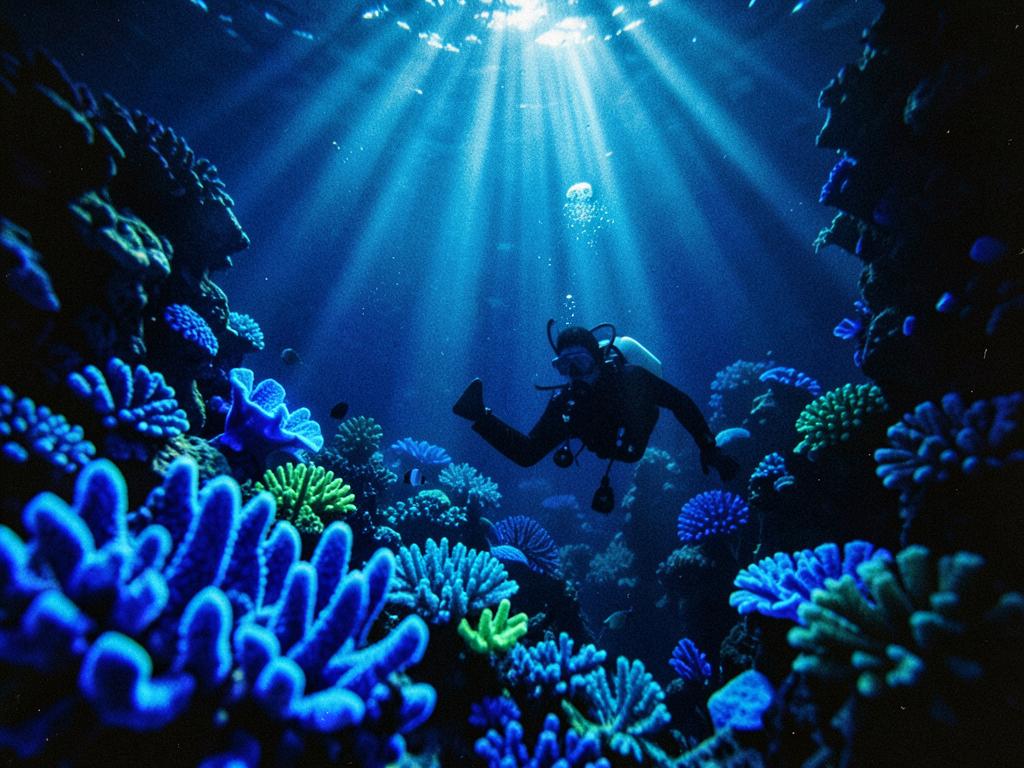
Text to video in your browser
Write one sentence and expidvid handles the rest: shot framing, camera motion, lighting and grade. Everything runs in the browser, so there is nothing to install and nothing to render locally.
- Five styles: cinematic, anime, product, motion and 3D
- 5, 8 or 10 second clips at 720p
- 16:9 for YouTube, 9:16 for TikTok, Reels and Shorts
- Live progress and a saved library of every finished clip
Who uses an AI video generator
Marketers building social ads, founders showing a product idea, creators filling a content calendar and teachers illustrating a concept all use AI video to skip production entirely. If you can describe it, you can render it.
- Social ads and paid creative tests
- Product teasers and launch loops
- B-roll and background plates
- Storyboards and pitch visuals
Prompt or photo — both work
Start from text, or upload a photo and let expidvid scan it and write the motion for you. The image becomes the first frame, so your product, subject or artwork keeps its exact look while the camera moves.
How to make an AI video in three steps
- Step 1
Describe the shot
Type your subject, camera move and lighting, or scan a photo to auto-write the prompt.
- Step 2
Pick style and format
Choose a visual style, clip length and aspect ratio for the platform you post on.
- Step 3
Generate and share
Hit generate, watch progress, then play or download the finished clip from your studio.
Frequently asked questions
What is an AI video generator?
An AI video generator turns a written description into moving footage. You describe the shot — subject, setting, camera move and mood — and the model renders a short clip frame by frame, so you never touch a camera or an editing timeline.
Is expidvid's AI video generator free to use?
You can generate videos without buying software or a subscription. Each render uses generation credits included with your project, and one clip renders at a time so quality stays consistent.
How long does an AI video take to generate?
Most 5 to 10 second clips finish in one to three minutes. Progress is shown live and the finished video is saved to your studio so you can replay or download it later.
What video lengths and aspect ratios are supported?
You can render 5, 8 or 10 second clips at 720p in 16:9 for YouTube and websites, or 9:16 for TikTok, Reels and Shorts.
How do I write a good AI video prompt?
Name the subject, the action, the camera movement and the lighting, then add a look: for example 'a lone diver drifting through a bioluminescent reef, slow push-in, volumetric light, 35mm grain'. Specific camera language gives the steadiest results.
Keep exploring
Best AI video generator 2026
How the leading generators compare, by job.
AI image to video
Animate a photo you already have with a single scan.
AI video maker
Make social-ready clips end to end, without an editor.
Pricing
See how many credits each AI video costs.
Prompt guides
Learn the camera language that gets clean AI renders.